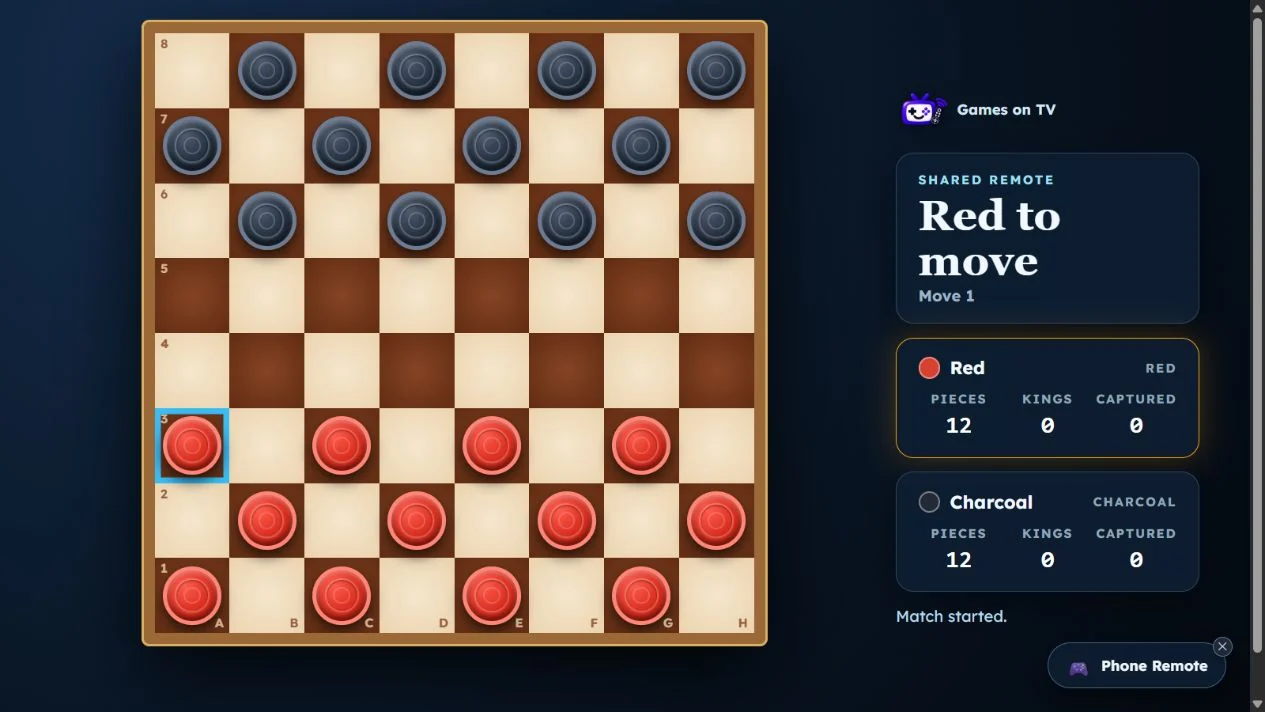
Quick answer: for a game night with just two people, open GamesOnTV in your smart TV browser and choose a game that fits your mood. Tic-Tac-Toe and Connect Four make quick rematches easy. Dots and Boxes and TV Checkers reward planning. If you would rather solve something together, take turns suggesting moves in Bottle Order. You can play these on the TV without buying a console or installing an app.
Most of our friends game-night guide is built for a bigger room. This one is for a pair on the sofa: one screen, simple setup and games where both people stay involved. The time suggestions below are a way to choose a pace, not a promised match length.
Pick your two-player TV game
| If you want... | Try | How to play together |
|---|---|---|
| A fast first round | Tic-Tac-Toe & Five in a Row | Choose Friend mode and share one remote. |
| A familiar head-to-head duel | Connect Four | Choose local play and take turns dropping pieces. |
| Simple rules with tactical turns | Dots and Boxes | Choose Local Remote and pass the remote after each turn. |
| A longer strategy game | TV Checkers | Choose Two Players and share the remote. |
| A puzzle to discuss together | Bottle Order | Talk through the clues and alternate who makes the next move. |
Start with a quick duel
Tic-Tac-Toe & Five in a Row is an easy opener when neither player wants a rules explanation. In the setup, choose Friend to share the TV remote. The classic 3×3 board is good for a few warm-up rounds; Five in a Row gives you more space to build a plan. Swap who goes first between games so the opening move does not always belong to the same person.
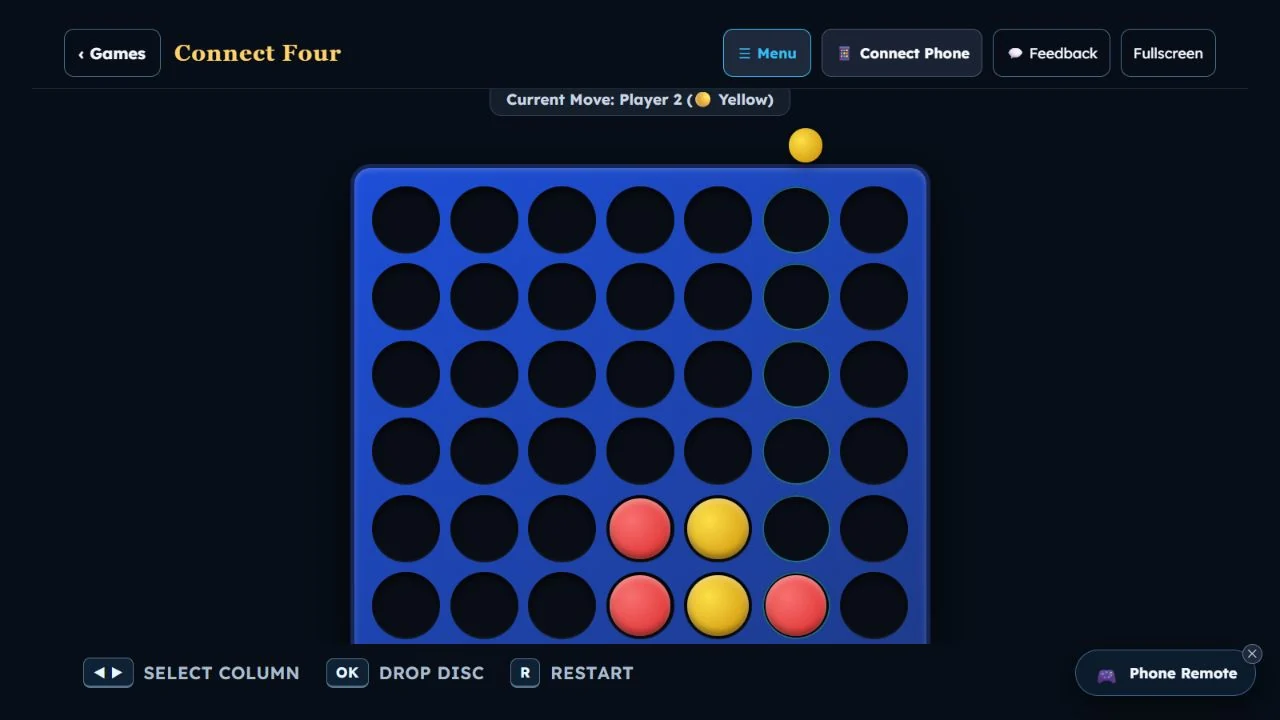
For the next round, try Connect Four. Both players can use the local mode and take turns choosing a column. The goal is clear at a glance: get four pieces in a line while blocking the other player. It suits a pair who want a little more tension without moving to a long board game.
Move to a game with more decisions
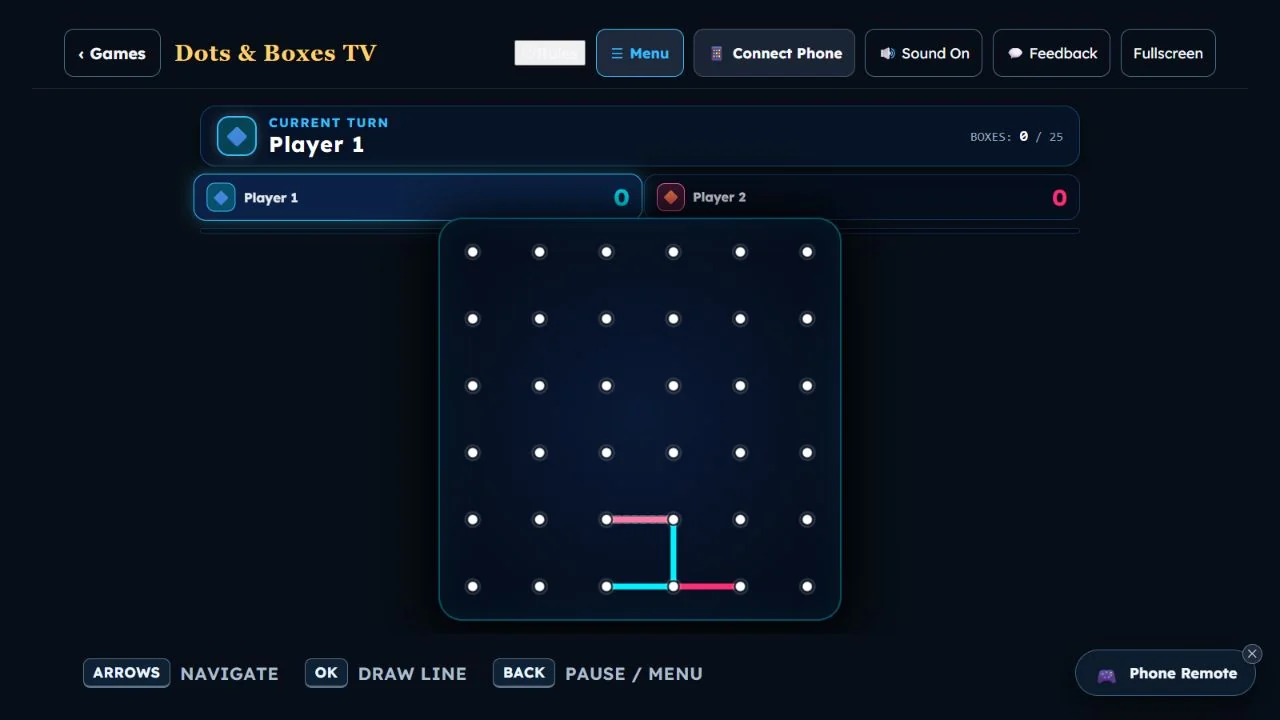
In Dots and Boxes, each turn adds one line between two dots. Closing the fourth side of a box claims it, and completed boxes can change the score quickly. Select Local Remote for two players and pass the remote between turns. The rules are small enough to learn during the first game, but deciding when to leave a nearly complete box for your opponent takes thought.
If both of you enjoy a traditional board game, open TV Checkers and choose Two Players. The board is large on the TV, and the D-pad selects a piece and destination. Look beyond the next capture: a move can expose a piece to a jump in reply. Checkers is a good choice when you want to settle in for a full match rather than trade very short rounds.
Play on the same side for a change
A two-person game night does not have to be competitive all evening. In Bottle Order, the TV hides a sequence of colored bottles. In Swap & Guess, a check tells you how many bottles are in the right positions. Pause after each result, compare it with the previous attempt and agree on one useful next change. In Pick & Place, each choice gets immediate placement feedback. You can solve a solo puzzle together from the sofa, or choose its party mode if you want scored turns. For the full rules, see the Bottle Order guide.
How to set up a two-person TV game night
- Open the web browser on your TV, or use a computer connected to the TV by HDMI.
- Visit GamesOnTV and choose a game from the table above.
- Select its local or two-player mode. Use the remote's arrow keys to move and OK or Enter to choose.
- Pass the remote after each turn. If a game offers phone controllers and you prefer separate controls, follow the QR code shown on its setup screen.
For a simple order, play a few rounds of Tic-Tac-Toe, switch to Connect Four or Dots and Boxes, then finish with Checkers or a shared Bottle Order puzzle. Keep the games you both enjoy and skip the rest. If more people arrive, the phone-controller party guide covers larger groups.
Frequently asked questions
Can two people play on a smart TV with one remote?
Do we need a game console or an app?
Which game is best for two beginners?
Can we play cooperatively?
Ready for the first round? Start with Tic-Tac-Toe or browse all free TV games to choose your own duel.