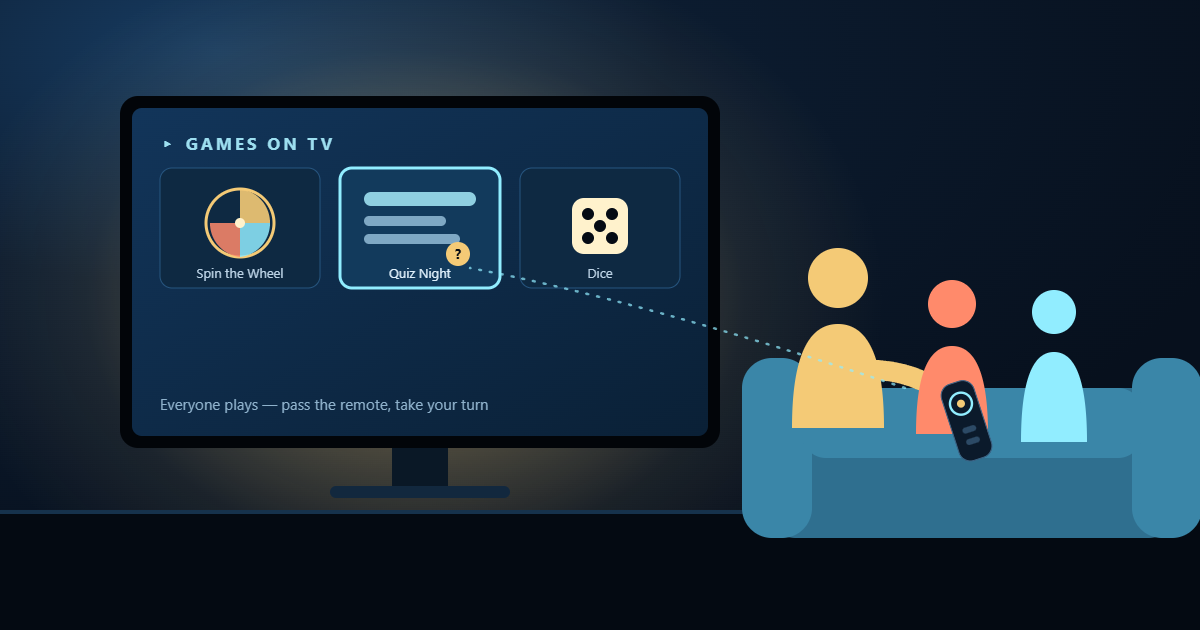
Games on TV turns the television in your living room into a free games console for the whole room. There is no app to download, no console to buy and no pile of controllers to charge. If you have a smart TV, you open its web browser, go to gamesontv.online, pick a game and start playing — using nothing but the remote in your hand. And if your TV is not a smart one, you can still play: a cheap streaming stick, a games console or a laptop plugged into the HDMI port turns any screen into the game table. When you want more players, everyone in the room joins in from their own phone by scanning a code on the screen.
This is the introductory guide to what Games on TV is, how it works, and why a screen that usually pulls a family apart can, with the right games on it, pull everyone back together for an evening.
What is Games on TV?
Games on TV is a free website of board games, arcade classics, quizzes and party tools designed to be played on the big screen. Everything runs inside the TV's own browser, so it works on most smart TVs, streaming sticks and anything else that can open a web page. There is nothing to install and no account to create — you visit the site and the games are simply there.
Two things make it different from playing a game on your phone:
- The TV is the shared table. The board, the score and the action are all on one big screen everyone can see, the way a real board game sits in the middle of a table.
- The controller is whatever you already have. For most games that is just the TV remote. For party games, everyone's phone becomes a buzzer or a controller — no extra hardware, no app store.
Not all screen time pulls a family apart
Most of the technology in a home is built for one person at a time. Everyone ends up on a separate screen in the same room, together but alone. The television is the one screen a family still gathers around — and that is exactly the point of Games on TV.
A phone game asks you to look down and disappear. A game on the TV asks the room to look up, and to play the next turn together.
Because the game lives on the shared screen, it invites people in instead of shutting them out. A grandparent who would never install an app can pick up the remote and take a turn at Snakes & Ladders. A five-year-old can win a round of Memory Match. Nobody is left staring at their own device — the whole point is to join in.
How to start playing in under a minute
You do not need to set anything up in advance. Here is the entire process:
- On your TV, open the web browser (on most sets it is called Internet, Web Browser or Browser).
- Go to gamesontv.online.
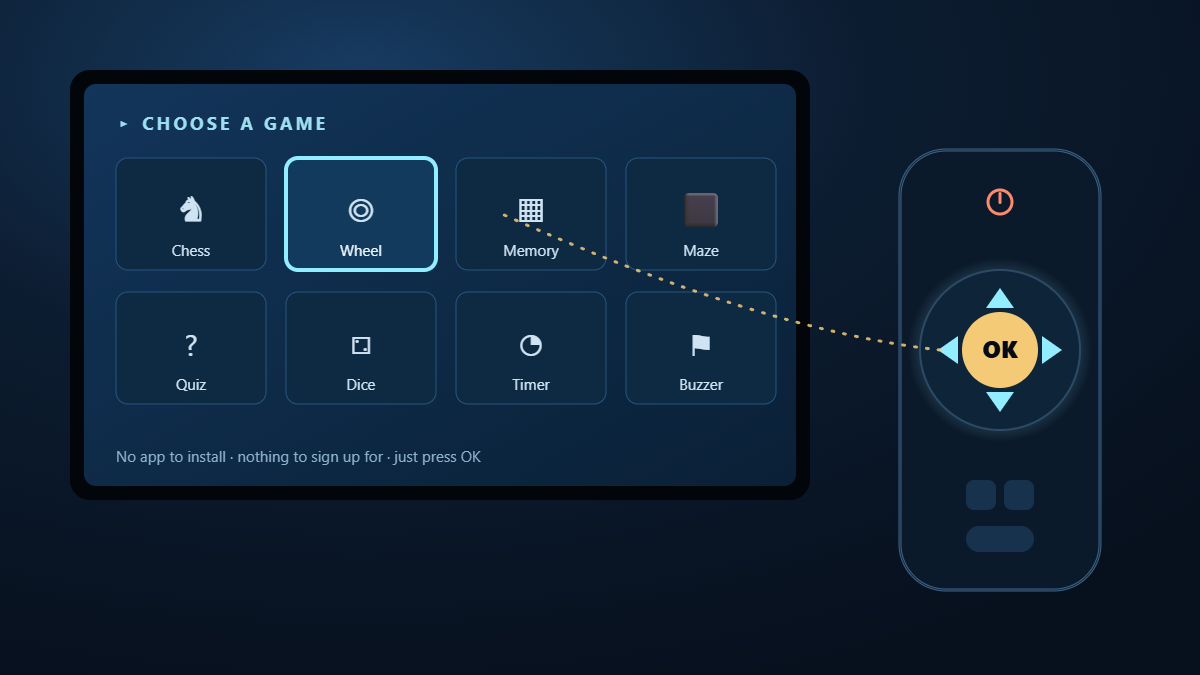
- Use the remote's arrow keys to move to a game and press OK to open it.
- Choose how many players, and start. That's it.
If your remote can move up, down, left and right and press OK, it can play every game on the site. That is the whole control scheme.
Play with just the remote
Every game is built remote-first. The big, focus-highlighted buttons you see on screen are made to be reached with arrow keys, not a mouse or a touchscreen. Text is sized for a sofa three metres away, not a phone held at arm's length.
That means two people can share a single remote and take turns — a full game of TV Chess or TV Checkers against the computer or against each other, passing the remote back and forth. Solo games like Maze Escape and Bomberman TV steer entirely from the direction pad. And when you just need to settle who goes first or what's for dinner, Spin the Wheel is one press of OK away.
Turn your TV into a party games console
Some games are better with a crowd, so a few of them let everyone play from their own phone — with the TV as the shared screen. This needs no app either: a code appears on the television, each guest scans it or types the short link, and their phone instantly becomes a controller.
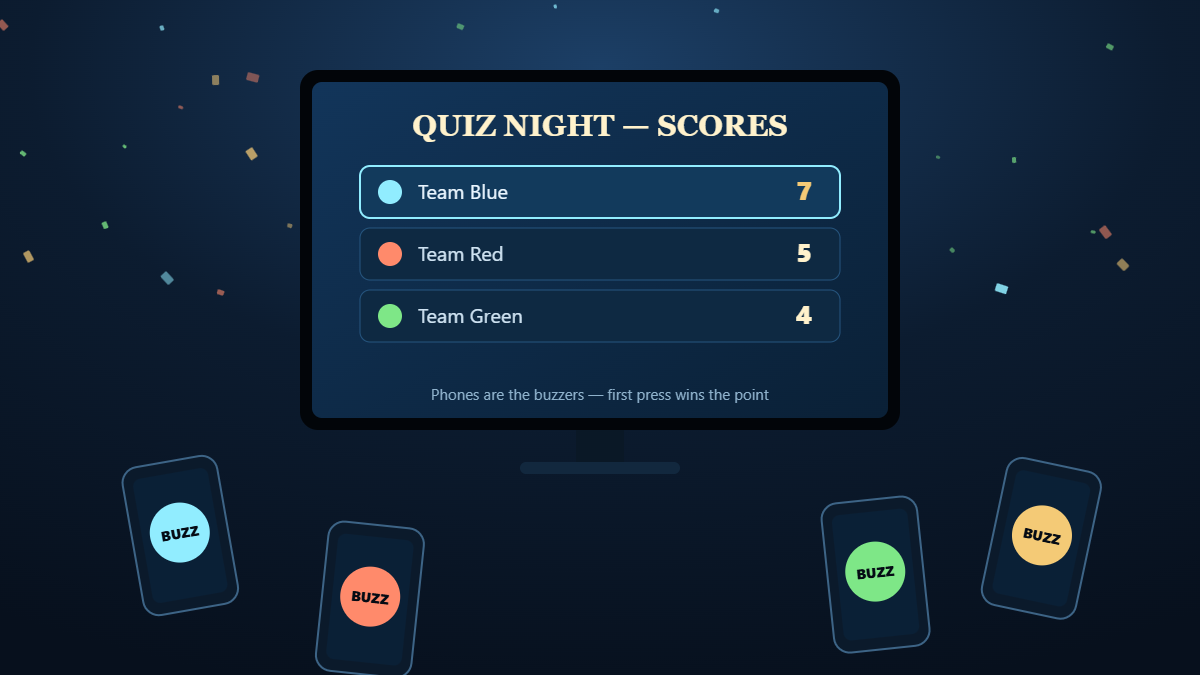
The flagship is Apex Quiz TV. You put the quiz on the big screen, players join by QR code, and the room races through trivia rounds together — questions on the TV, answers tapped in on phones, scores updating live for all to see. It is a full quiz-show night with zero setup and zero equipment beyond what's already in your pockets.
Pair it with the free Buzzer tool and any game becomes a game show: phones turn into BUZZ buttons and the first press wins the point. This is the fastest way to get a living room full of friends laughing and shouting at a screen — party night sorted in under a minute.
The best games to start with
Not sure where to begin? These are the crowd-pleasers, and they cover every kind of evening:
- Apex Quiz TV — a live quiz show for the whole room, with phones as buzzers. Best for parties and family game night.
- Spin the Wheel — build a wheel of your own choices and let it decide. Perfect for picking dinner, chores or who goes first.
- Snakes & Ladders — the classic race to 100 for up to six players, human or computer. A gentle favourite for younger kids.
- Memory Match — flip and match, from a tiny 2×2 grid up to an 81-card wall, solo or up to four on one remote.
- TV Chess and TV Checkers — full boards sized for the living room, against the computer or a friend on the same remote.
- Maze Escape and Bomberman TV — arcade fun the kids can pick up in seconds.
You can browse the full list any time on the Games page.
Free game tools for any game night
Beyond the games themselves, Games on TV includes a set of free game tools that make any game — including the physical board games in your cupboard — run more smoothly on the big screen:
- Scoreboard — track 2 to 12 players or teams with big, readable numbers and a leader highlight.
- Timer — a giant countdown for charades, cooking or a quiz round, with a phone as the remote.
- Dice — roll up to six dice on the screen when the real ones have vanished under the sofa.
- Buzzer — turn phones into quiz-show buzzers where the first press wins.
- Random Player — pick who goes first (or next), with a no-repeat mode so everyone gets a turn.
What you need to play
If your TV can open a web page, you are ready. Games on TV runs on the browser your device already has:
| Device | How to play |
|---|---|
| Smart TV (Samsung, LG, Sony and more) | Open the built-in Internet / Web Browser app |
| Amazon Fire TV Stick | Use the Silk browser |
| Google TV / Chromecast / Android TV | Install or open a browser, or cast a tab from your phone or laptop |
| Games console (Xbox, PlayStation) | Open the built-in web browser |
| Laptop or PC plugged into the TV | Open any browser and go full screen |
Don't have a smart TV? You don't need one. A £30 streaming stick, a games console you already own, or an HDMI cable from a laptop all turn an ordinary television into a screen that can run Games on TV. Whatever you use, the site is free, works instantly and never asks you to install anything.
Tips for a great family game night
- Start with one shared remote. Passing it around keeps the pace friendly and everyone involved.
- Add phones only when you want a crowd. For quizzes and buzzer rounds, a QR code on the TV gets everyone in within seconds.
- Use the tools with real games too. A big Scoreboard and Timer on the TV work brilliantly alongside your favourite board games.
- Mix ages. Alternate a gentle game like Snakes & Ladders with a fast one like Apex Quiz TV so nobody sits out.
Frequently asked questions
Is Games on TV free?
Do I need to download an app?
Can I really play with just the TV remote?
How do friends join a party game?
Which TVs and devices are supported?
How many people can play?
Ready to swap another quiet evening of separate screens for one everyone shares? Turn on the TV, open the browser and pick a game — the whole room is invited.